
Wrong Password
Entering an outdated or incorrect password is one of the most common reasons a Fairplay login may fail. Check the password carefully, especially if it was recently changed.

Problem Solutions
Having trouble accessing your Fairplay account? This guide covers common login issues and provides simple steps you can follow to identify and resolve them.
A login problem can happen because of incorrect account details, saved browser information, an expired session, or a temporary account restriction. Checking each possibility one by one can often help you regain access without unnecessary delays.
Entering an outdated or incorrect password is one of the most common reasons a Fairplay login may fail. Check the password carefully, especially if it was recently changed.
A typing mistake or using an incorrect Fairplay ID can prevent successful account access. Make sure the ID entered matches the details provided during registration.
Old cookies or cached browser files can sometimes interfere with the login page. Clearing this stored information may help the website load and authenticate correctly.
An active session on another browser or device can occasionally cause access problems. Closing other Fairplay sessions and trying again may resolve the issue.
Several unsuccessful login attempts in a short period may result in a temporary security restriction. Avoid repeatedly entering different passwords and allow the account to recover if required.
Temporary maintenance, technical issues, or platform downtime can affect login access. If multiple users experience the same problem, waiting for the service to become available may be necessary.
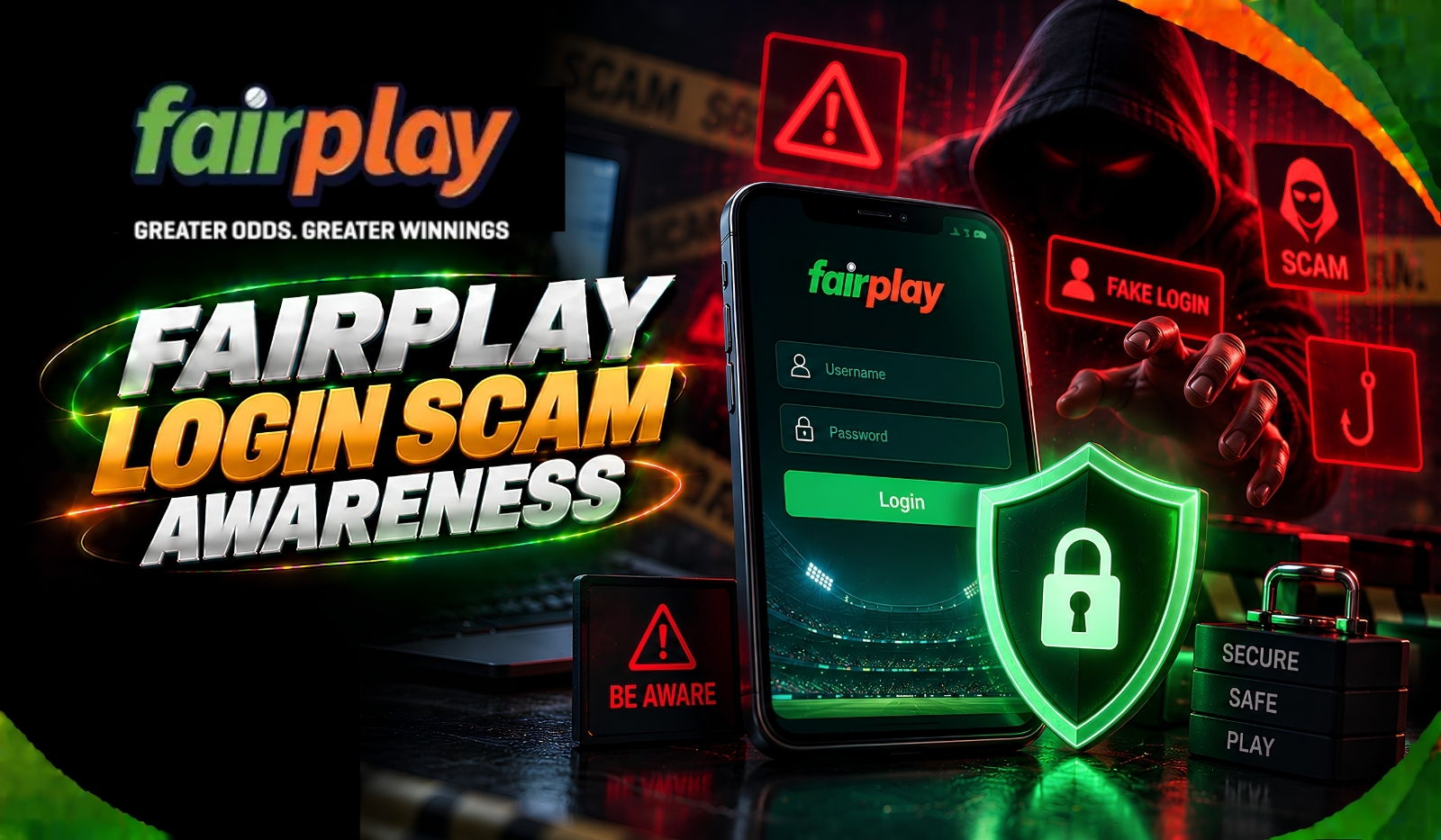
Enter your Fairplay ID carefully and check every character before submitting the login form. Passwords are case-sensitive, so also make sure Caps Lock is disabled and that your saved password has not become outdated.
Open your browser's privacy or browsing settings and remove cached files and cookies. After clearing them, close and reopen the browser before trying the Fairplay login page again.
If the login still does not work, test the account through another supported browser or device. This can help determine whether the problem is related to your current browser, device, or stored session data.
If you cannot remember the correct password, select the available password-reset option on the login page. Follow the verification instructions and create a new password before attempting to sign in again.
If a VPN or proxy is active on your device, turn it off temporarily and retry the login. Network-routing changes can sometimes interfere with account access or security checks.
If the previous steps do not solve the problem, contact Fairplay support through WhatsApp. Provide your Fairplay ID and explain the exact message or error displayed so the support team can check the account-specific issue.

Review these points before contacting support. A quick check can help identify a simple login problem and avoid unnecessary troubleshooting.
FAQ
If your password is correct but login still fails, check your Fairplay ID, internet connection, browser cache, cookies, and active sessions. You can also try another browser or device.
Avoid making repeated login attempts. A temporary security restriction may require you to wait or contact Fairplay support for account-specific assistance.
Check the account information or registration details provided when you created your Fairplay account. If you cannot locate the ID, contact Fairplay support and follow their account-verification process.
Password recovery depends on the verification options available for your account. Use the official recovery process first, and contact Fairplay support if you cannot complete the required verification.
First, recheck the Fairplay ID and password for typing or case errors. Then try clearing the app/browser data, updating the application if required, or signing in through another supported browser or device.
Explore Fairplay