
Incorrect Personal Details
A mismatch between the information entered in your Fairplay account and the details shown on your submitted documents can prevent successful verification. Check names, dates, and other required details carefully.

Problem Solutions
Having trouble completing KYC verification on Fairplay? This guide explains common verification problems and the checks you can make when your documents are rejected, pending, unclear, or do not match your account information.
KYC verification is used to confirm account details and may be required for certain account activities. Providing accurate information and clear documents can help avoid unnecessary verification delays.
A mismatch between the information entered in your Fairplay account and the details shown on your submitted documents can prevent successful verification. Check names, dates, and other required details carefully.
Documents that are blurred, cropped, damaged, or difficult to read may not provide enough information for verification. Upload a clear image or scan where all required details are visible.
An expired identity document may not be accepted for verification. Before submitting a document, check its validity and use an eligible, current document where required.
Submitting a document that is not accepted for the requested verification step can result in rejection. Review the instructions and provide the document type specifically requested.
If the name on your account differs from the name shown on your verification document, additional checks may be required. Make sure your account information is accurate and consistent.
KYC reviews may take additional time when documents require manual checking or further information. Avoid repeatedly submitting the same documents while an existing review is still pending.
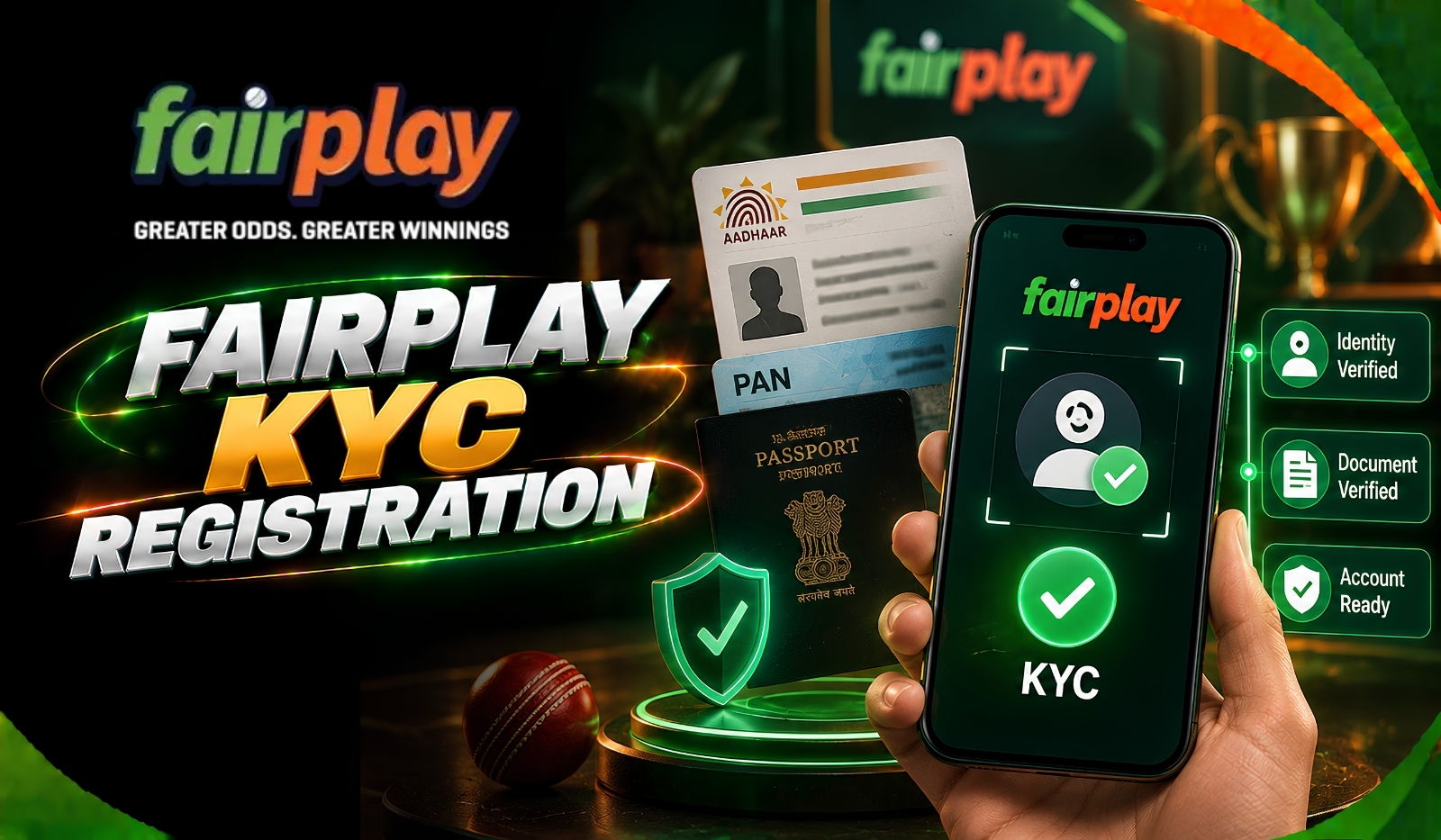
Review your Fairplay account details before submitting KYC documents. Make sure the information entered in the account matches the information shown on the documents you intend to provide.
Use a clear, complete image or scan of the requested document. Make sure the text, photograph, document edges, and other relevant information are visible and not covered by glare or shadows.
Confirm that your submitted document is current and has not expired. If the verification instructions specify particular documents, use one that meets those requirements.
Read the verification instructions carefully before uploading anything. Selecting the wrong document category or submitting an unsupported document can cause the verification process to fail.
If your KYC request is already being reviewed, avoid uploading multiple versions repeatedly unless the platform specifically asks you to resubmit. Multiple submissions may make it harder to identify the correct document.
If your verification remains unsuccessful or pending beyond the expected period, contact Fairplay support through WhatsApp. Explain the issue and provide the relevant account or verification information requested by the support team.
Before contacting support, review these points to make sure your KYC submission meets the basic requirements:
FAQ
KYC verification can fail because of incorrect account details, unclear documents, expired identification, unsupported document types, or information that does not match. Review the submission carefully and correct any issue identified by the platform.
The verification time can vary depending on the documents submitted and whether additional checks are required. If the status remains pending beyond the timeframe provided, contact Fairplay support for an update.
Check the rejection reason if one is provided, then correct the relevant issue before submitting another document. Make sure the replacement document is clear, valid, and matches your account information.
If the platform allows alternative documents, you can submit an eligible document that meets the stated verification requirements. Follow the instructions provided rather than uploading unrelated documents.
A pending status generally means the verification has not yet been completed. Additional review or information may be required, so check your account for any instructions and contact support if the status remains unchanged for an extended period.
Explore Fairplay